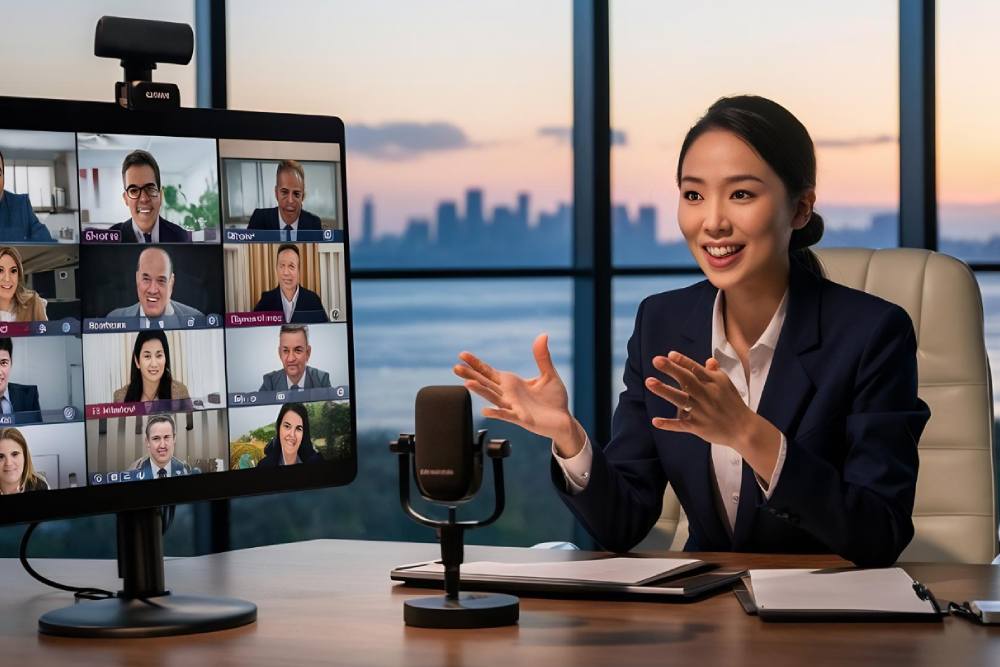


What Does A VTC Technician Do?
Quick Summary
A VTC technician helps keep video conferencing rooms ready, reliable, and easy to use through equipment setup, system testing, troubleshooting, live meeting support, and routine maintenance. Their work connects cameras, microphones, displays, room controls, cabling, and network access into one smooth communication experience. With the right technical and user support, organizations can reduce meeting delays, improve hybrid collaboration, and keep important conversations moving without avoidable technology issues.
Reliable business meetings depend on more than a camera, screen, and internet connection. Clear audio, stable video, room control, cabling, and user support all have to work together at the right moment. A VTC technician helps make that possible by preparing, maintaining, and supporting professional video teleconferencing spaces. For offices, healthcare facilities, schools, government buildings, and industrial sites, this role supports communication across rooms, campuses, and remote locations.
You may notice the meeting starts smoothly, but that smooth experience comes from careful setup, testing, and technical judgment. Let’s look at what this role involves in real working environments every day.
What This Role Means for Video Conferencing
Professional meeting rooms need more than installed hardware. They need someone who understands how each device supports the user experience. A video teleconferencing technician works across audiovisual systems, network connections, room controls, and user support to keep meetings clear and dependable. This role can include setup, testing, service requests, system checks, and coordination with other technical teams. The technician may prepare a room before a major presentation, guide users through controls, or investigate why a call has poor sound. Their work helps turn complex room technology into a practical tool your team can use with confidence across everyday meetings, training sessions, and leadership discussions. It protects your technology investment too.
What Equipment Supports a Video Conferencing Room?
Behind every clear call is a connected set of devices that must work as one system. A technician may handle cameras, microphones, speakers, displays, control panels, codecs, room computers, AV racks, network switches, and structured cabling. They may also support scheduling panels, presentation inputs, training room systems, and digital signage tied to meeting spaces. Audio pickup, camera coverage, screen visibility, cable routing, and network access all affect the room experience. Instead of looking at one device alone, the technician checks how signals move through the full room, then adjusts performance so users can meet without technical distractions. That wider view is central to dependable conferencing.
Daily Responsibilities Behind Reliable Video Meetings
Each workday can bring scheduled checks, meeting preparation, live assistance, troubleshooting, and documentation. Before an event starts, the technician may test microphones, confirm camera views, check display inputs, review meeting links, and verify that room controls respond correctly. During a high value call, they may stay available to correct audio drops, frozen video, echo, feedback, or connection issues. After the room is used, they may document the issue, update a service ticket, replace a faulty part, or schedule deeper maintenance. This steady support keeps boardrooms, classrooms, training centers, telehealth rooms, and multipurpose spaces prepared for the next session. It also gives staff a clear path for reporting room problems before they disrupt future meetings again.
Why Professional Support Improves Communication
Small technical faults can quickly change the tone of a meeting. A weak microphone can make remote participants miss details, while poor camera placement can make a speaker hard to follow. Unstable connections can delay decisions, interrupt presentations, and create frustration for users who need to focus on work. Professional support reduces those risks through routine testing, trained troubleshooting, and planned maintenance. With clear sound, stable video, and simple room controls, your team can communicate across locations with more daily confidence, and guests can experience your organization as prepared, capable, and easy to work with.
Skills That Shape Strong Technical Support
Excellent room support comes from technical training, careful observation, and steady communication daily. A strong technician understands signal flow, microphone behavior, camera placement, display settings, cabling practices, network basics, and control system logic. They also need patience and clear language when helping users who may feel pressure before an important meeting. The best technicians can explain what is happening without confusing the room user, then choose the right next step quickly. That balance of technical accuracy and service minded communication helps create a smoother experience for executives, teachers, clinicians, staff, visitors, and remote participants alike.
Build Video Meetings People Can Trust
Smooth video conferencing depends on planning, skilled installation, reliable cabling, tested audiovisual systems, and support that keeps every room ready for real use. After discussing what technicians handle, from equipment checks to troubleshooting and user support, the main takeaway is clear: strong video communication needs a complete low voltage approach. At Alliance Telecommunications, we help you connect those pieces through video conferencing systems, audiovisual integration, structured cabling, security systems, and managed services. Our team can support design, installation, documentation, testing, maintenance, and ongoing service for commercial, industrial, healthcare, educational, government, and institutional spaces. With AVIXA, BICSI, and NSCA membership, we also align our work with respected industry practices every day.
Contact us today to discuss a video conferencing solution built around your facility, your users, and your daily communication needs.
FAQs
A VTC technician may prepare the room, test microphones, check cameras, confirm display signals, and monitor the system during important calls. If audio drops, video freezes, or users cannot connect, the technician responds quickly. Their support helps meetings stay clear, organized, and productive for in-room and remote participants.
A VTC technician often supports cameras, microphones, displays, speakers, room control panels, codecs, conferencing software, AV racks, structured cabling, and network connections. These systems must work together for smooth communication. The technician checks how each part affects the full room experience and adjusts performance when needed.
Professional VTC support helps reduce meeting delays, poor audio, camera problems, connection issues, and user frustration. Skilled technicians understand how audiovisual systems, cabling, controls, and network access work together. This gives your team a more dependable meeting environment for client calls, executive discussions, training sessions, and hybrid collaboration.