

A Guide To Commercial Access Control Systems For Offices
Quick Summary
Modern workplaces depend on commercial access control systems to manage entry points, track movement, and limit unauthorized access across office spaces. These systems form a central layer of modern security planning, helping organizations maintain structured access while supporting daily operational flow.
Office security has shifted from traditional lock-and-key methods to digital entry management. Commercial access control systems now allow businesses to regulate who can enter specific areas, when access is granted, and how activity is recorded across facilities.
These systems are commonly included in broader security solutions designed to protect physical spaces, sensitive data areas, and restricted operational zones.
What Access Control Means in Office Settings
Access control refers to the management of entry permissions within a building. Instead of universal access, employees and visitors are granted entry based on roles, schedules, or authorization levels.
This approach reduces unnecessary exposure to restricted areas and helps maintain structured movement throughout office spaces. Entry points may include doors, elevators, server rooms, and shared work zones.
Unlike traditional locking systems, digital access control allows permissions to be adjusted instantly without changing physical hardware.
Components of Access Control Systems
A complete system relies on several connected elements working together.
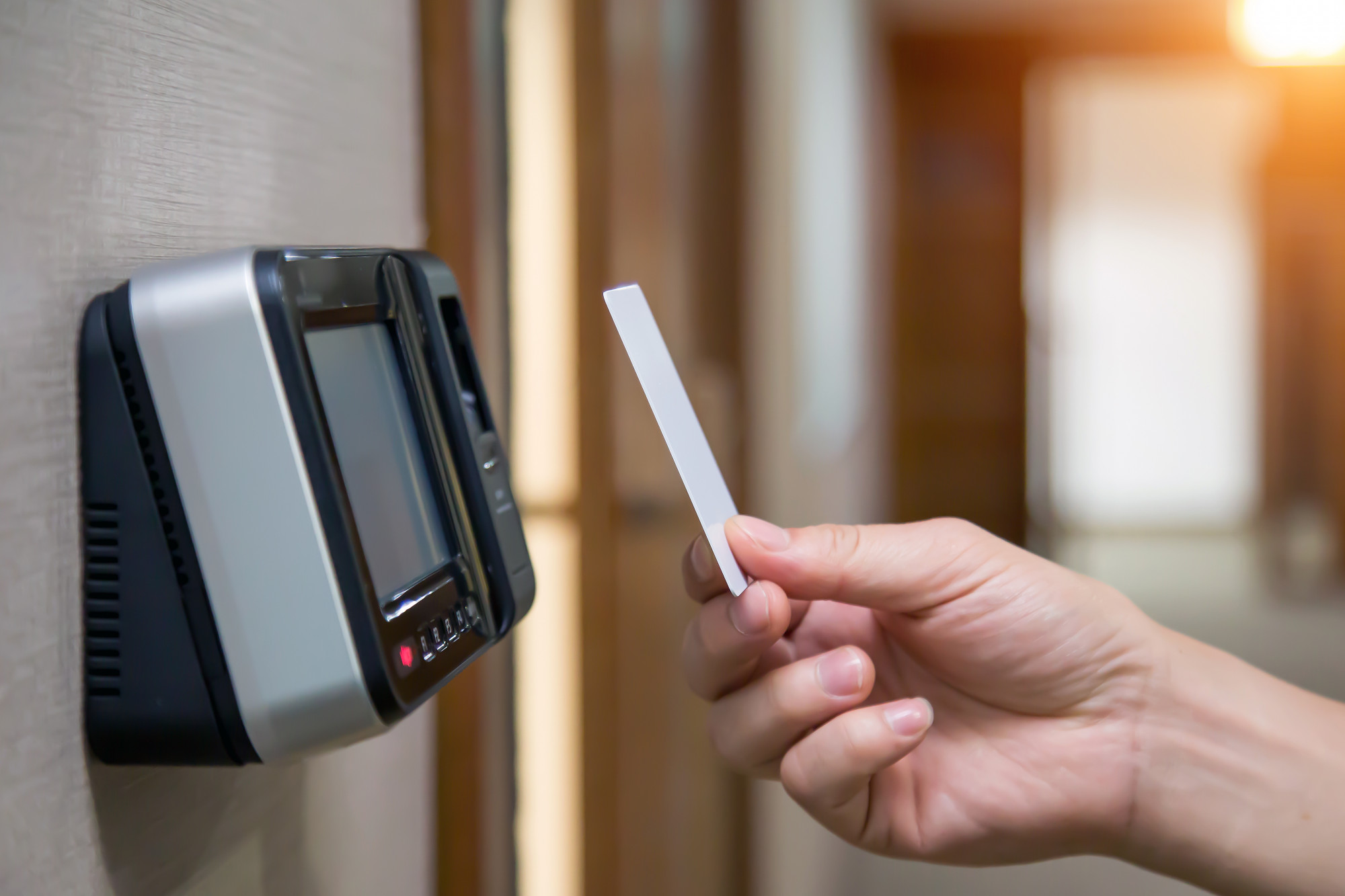
Credential tools include key cards, mobile access apps, PIN codes, or biometric scanners. These tools identify users and determine access rights.
Control panels process credential data and decide whether entry is approved or denied.
Electronic locks secure doors and respond to system signals by unlocking or remaining locked.
Management software allows administrators to assign permissions, track activity, and adjust settings across the network.
Each component contributes to controlled access across office infrastructure.
How Access Control Systems Operate
When a person attempts to enter a secured area, their credential is scanned or entered into a reader. The system compares this information against stored permissions.
If authorization is confirmed, the lock disengages. If not, access is denied, and the attempt is logged for review.
This process happens in seconds, allowing secure entry without disrupting daily workflow.
In more advanced setups, access events are recorded in real time and stored for auditing purposes.
Why Offices Use Access Control Systems
Office environments require structured access to protect both physical and digital assets. Sensitive departments such as IT rooms, finance areas, and executive offices often require restricted entry.
These systems also support workforce management by tracking entry times and movement patterns. This information can help organizations understand facility usage and improve operational planning.
Within modern commercial facilities with technological support, access control systems are often connected to other building technologies for coordinated management.
Types of Access Control Models
Different models determine how permissions are assigned and managed.
Discretionary Access Control (DAC)
Permissions are set by administrators or system owners based on user identity.
Role-Based Access Control (RBAC)
Access is assigned based on jobs/positions for consistent permissions across similar positions.
Mandatory Access Control (MAC)
Strict rules define access levels, often used in high-security environments.
Attribute-Based Access Control (ABAC)
Access decisions are based on multiple attributes such as time, location, and user status.
Each model supports different levels of organizational control depending on security needs.
Benefits for Office Settings
Access control systems provide several operational advantages.
Controlled Entry Points
Only authorized personnel can access designated areas, reducing unnecessary exposure.
Activity Tracking
Entry logs help record movement across the facility for security and operational review.
Reduced Physical Key Dependency
Digital credentials eliminate the need for physical keys that can be lost or copied.
Flexible Permission Management
Access rights can be updated quickly when staff job descriptions change.
These benefits contribute to more structured and accountable office operations.
Working With Existing Security Systems
Access control systems are often combined with surveillance tools, alarm systems, and network monitoring platforms.
This creates a coordinated security structure where multiple systems share data. For example, an unauthorized entry attempt may trigger a camera recording or alert notification.
This layered approach is a standard feature of modern security solutions, where multiple systems work together to reduce risk exposure.
Office Use Cases
Access control is applied throughout several areas within office buildings.
Main Entry Points
Controls building access for employees and visitors.
Restricted Departments
Limits entry to sensitive areas such as server rooms or financial departments.
Meeting Spaces
Manages booking-based access for conference rooms.
Multi-Tenant Buildings
Separates access between different organizations sharing the same facility.
Each use case supports structured movement within shared and private office zones.
Operational Considerations
Several things influence system performance and deployment.
Scalability
Systems must support additional users and entry points as organizations grow.
Credential Management
Proper handling of access credentials provides for smooth onboarding and offboarding.
System Maintenance
Regular checks keep hardware and software functioning correctly.
Technical Support
Reliable support helps resolve issues quickly and keeps systems running.
Consistent security support helps maintain system performance over time.
Support Services
Access control systems require ongoing monitoring to maintain reliability. Updates, troubleshooting, and configuration changes are part of long-term system management.
Support teams help keep systems running and working as needed. This reduces downtime and helps maintain secure access without interruption.
Why Access Control Matters Today
Office security requirements continue to change as workplaces become more connected and flexible. Hybrid work models, shared spaces, and digital workflows all increase the need for controlled access.
Access control systems provide a structured way to manage these changes without relying on manual processes.
They also help reduce security gaps caused by lost credentials, unauthorized entry, or untracked movement.
Supporting Office Security Planning
We design and support access control systems that help organizations manage entry points with clarity and consistency. Our approach follows a practical guide to access control, focusing on structured deployment, reliable performance, and fit with operational needs.
We work with businesses to set up systems that fit within broader infrastructure strategies and support long-term facility management. With experience in connected security solutions, we help improve access visibility and control across office spaces.
If you are planning to upgrade your office access systems, contact us to discuss customized options for your facility.
FAQs
Yes. Many systems are designed to retrofit standard doors using electronic locks and compatible hardware.
Most systems log entry and exit activity, allowing administrators to review access history when needed.
Yes. Access rights can be updated instantly through system software without physical changes to hardware.